Tap the App Store button above to download the app.

Scan the QRCode to go directly to the download page.

Countdown to My Retirement
Easily keep track of how many days are left until your retirement.
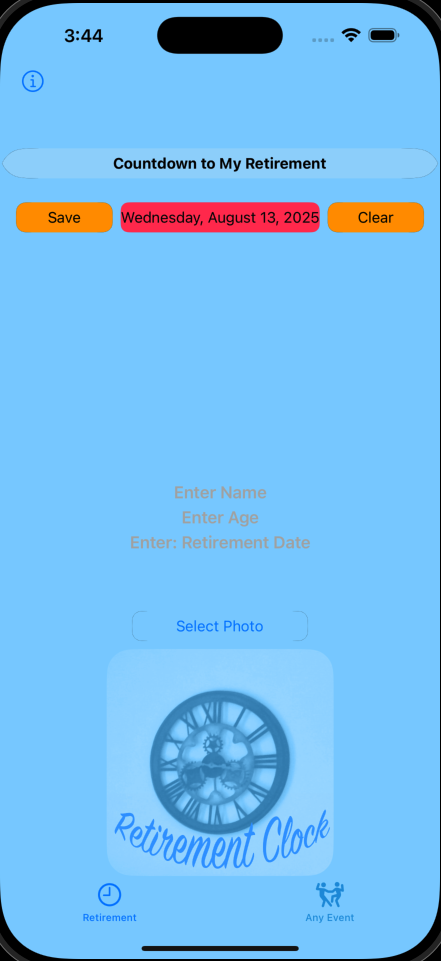
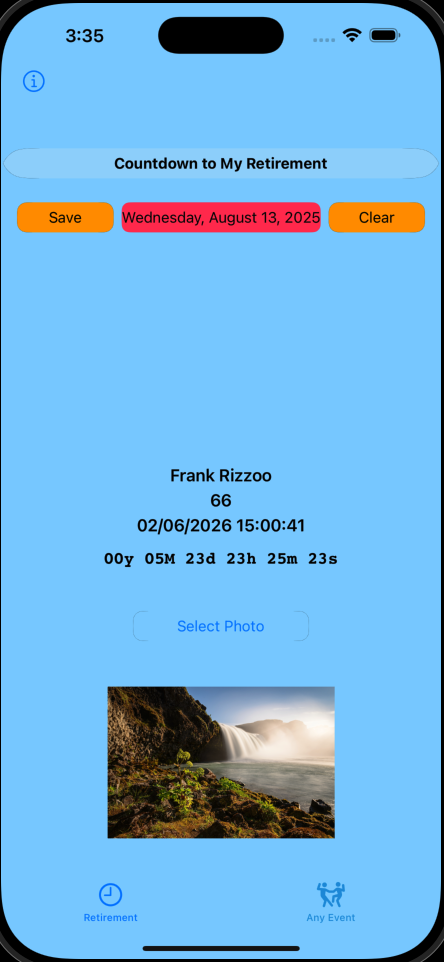
Just enter your name, age, and planned retirement date, then tap Save. You can also personalize your countdown with a photo—just tap Select Photo and tap Save again.
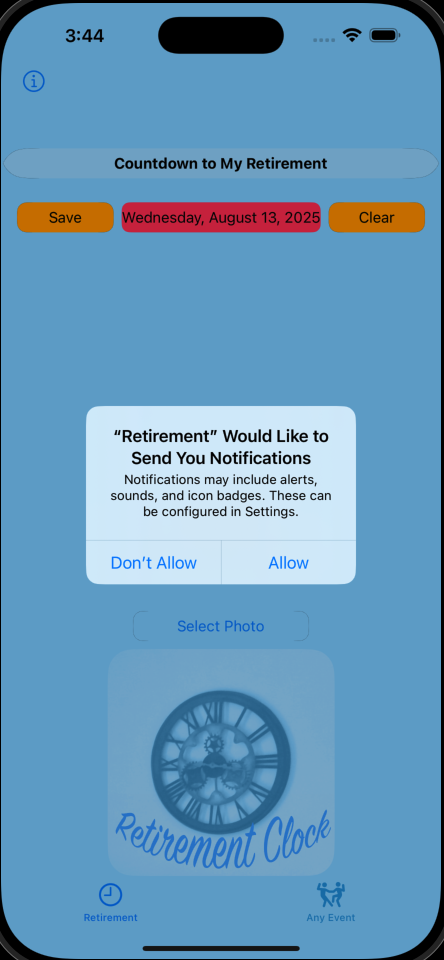
Anytime you make changes, be sure to tap Save. Once everything is set, you can safely close the app and you’ll receive a notification when your retirement begins.
You can reopen Countdown to My Retirement at any time to see how much time is left before your retirement is scheduled to begin.
For full instructions on using the app, tap the info circle in the top left corner.
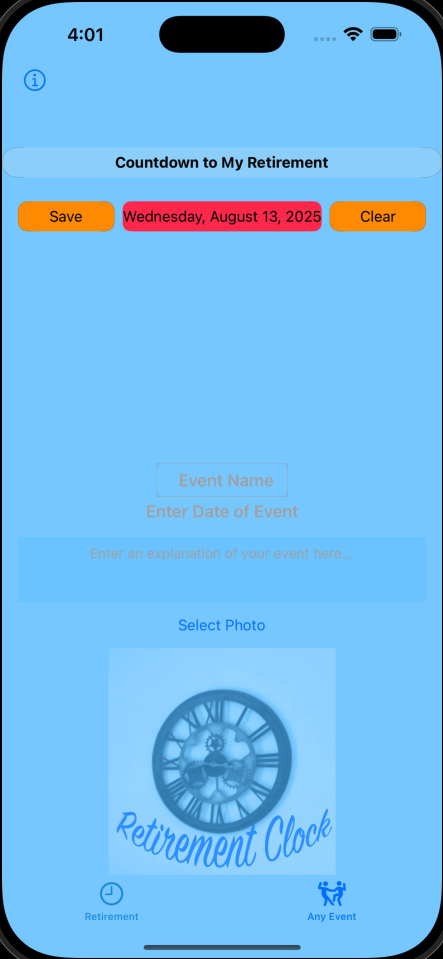
You can add a new event by tapping the Any Event tab—perfect for things like a Christmas Party or Summer Party. Give your event a name, choose a date, and the countdown timer will start automatically. Tap Save to continue.
You can also add a photo by tapping Select Photo, then tap Save again. Anytime you make changes, be sure to tap Save.
Once saved, you can safely close the app—you’ll receive a notification when your event begins. You can reopen Countdown to My Retirement at any time to see how much time is left.