Tap the App Store button above to download the app.

Scan the QRCode to go directly to the download page.
ELEVATOR INSPECTIONS PRO
Elevator Inspections Pro is built for elevator inspectors, constructors, maintenance and repair professionals who need fast, reliable access to inspection records while in the field. The app is optimized for iPhone and works seamlessly on iPad.
With Elevator Inspections Pro, you can keep a detailed log of your inspection jobs directly on your smartphone, making it easy to record, review, and manage inspections wherever your work takes you.
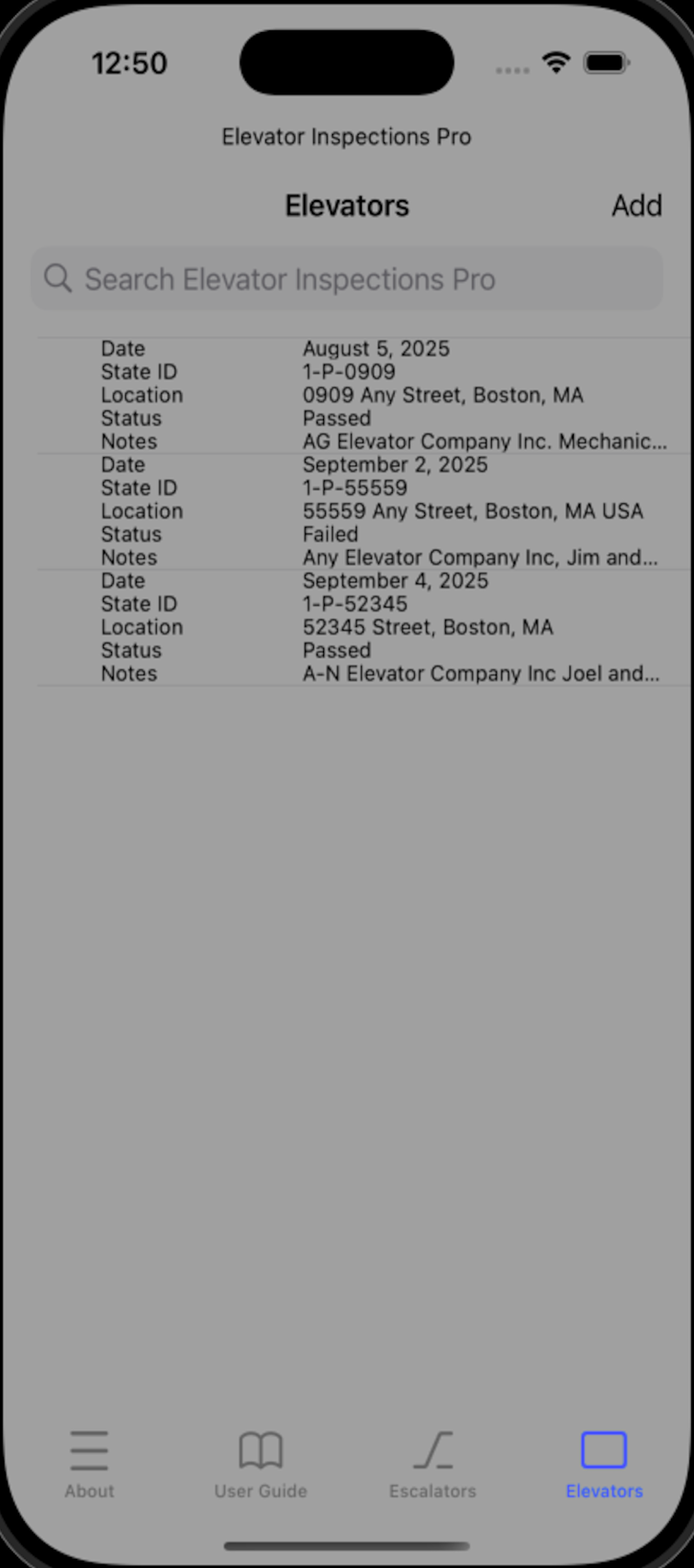
When you open the app, you’ll be taken to the Main Screen, which provides quick access to the About, User Guide, Escalators, and Elevators tabs.
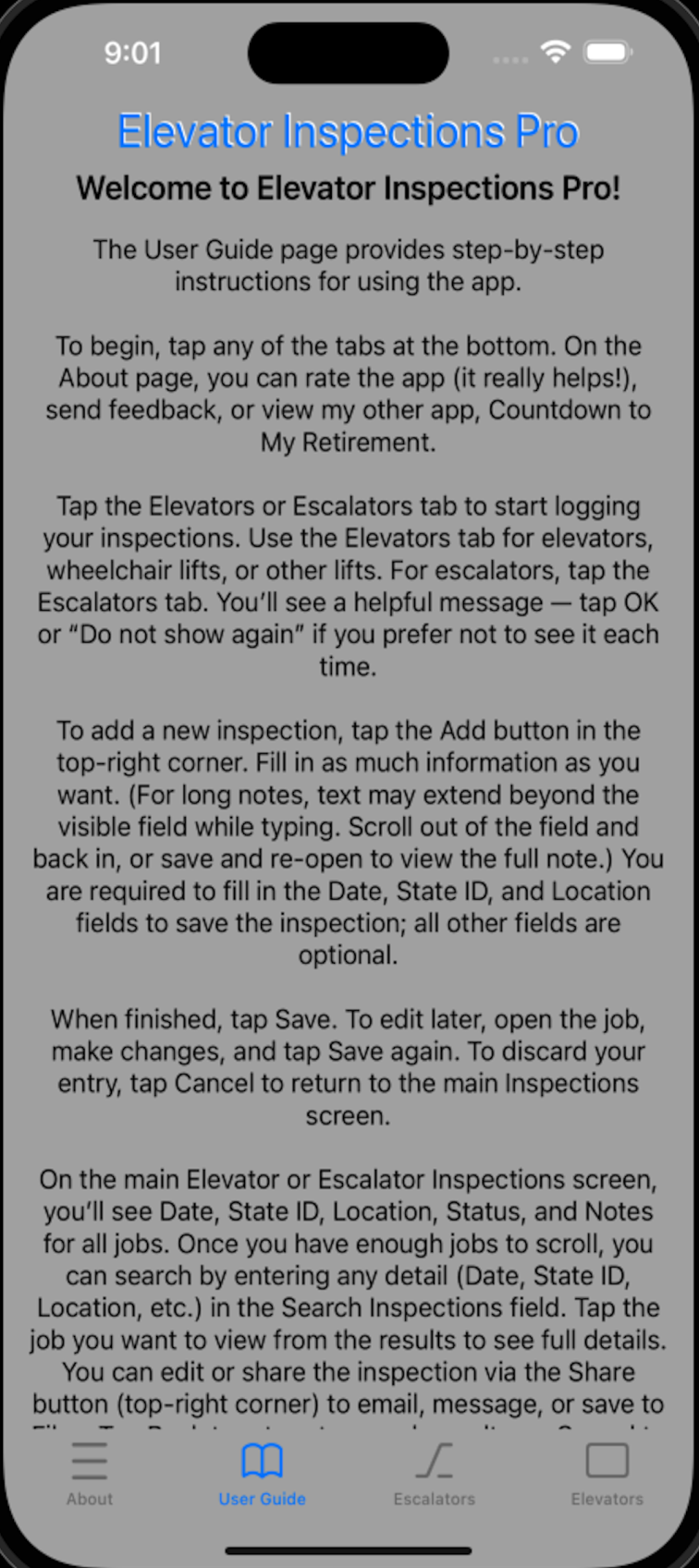
User Guide
Tap the User Guide tab to read simple, easy-to-follow instructions on how to use the Elevator Inspections Pro app.
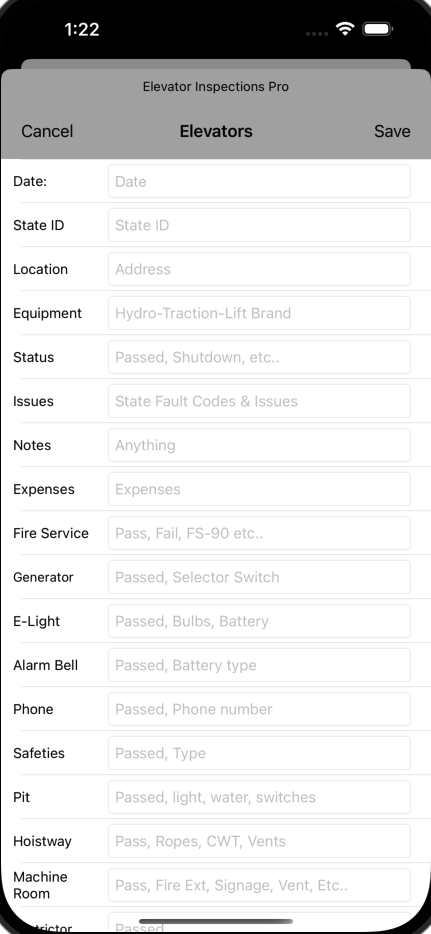
When you are ready to add a new inspection tap the Elevators or Escalators tab and tap the Add button.
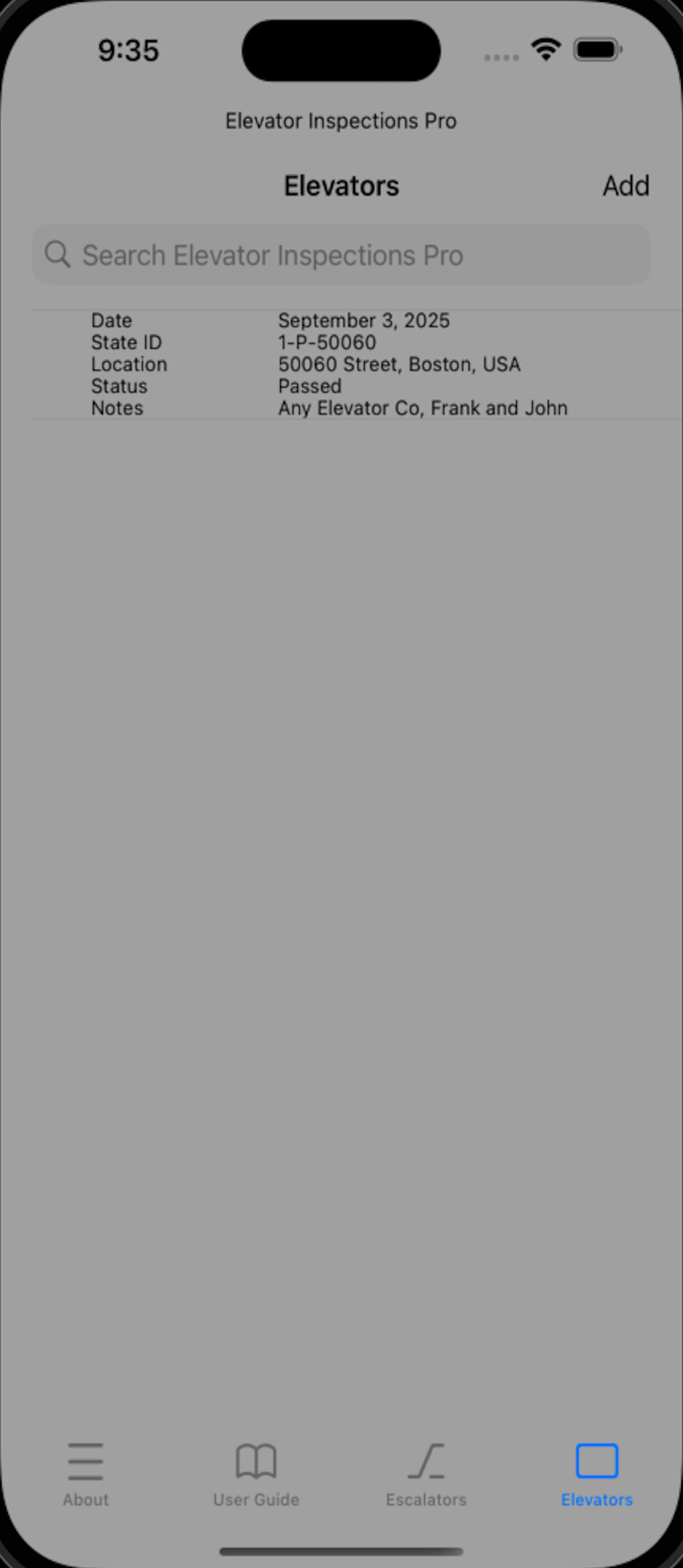
Enter details in any field to get started.
The more information you add, the easier it will be to find past codes and inspections with the search feature.
When you’re done, tap Save. You can always return later from the main screen to view or update your report.
Details Page
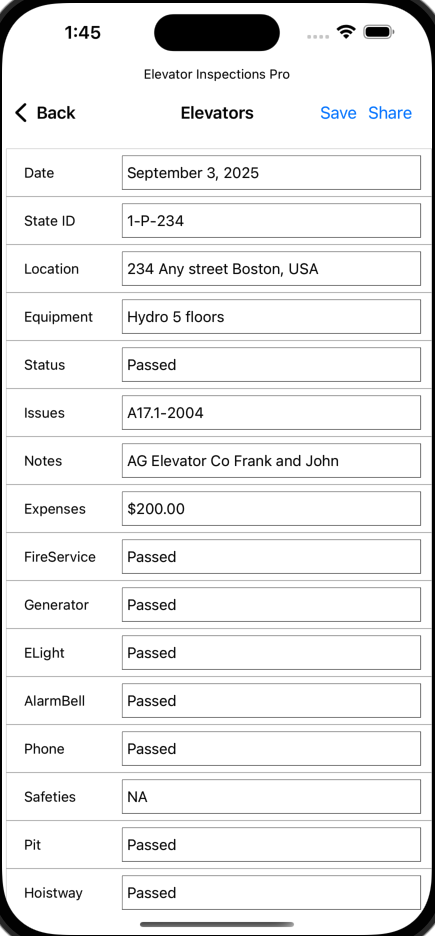
Tap any inspection on the main screen to open its Details page.
From here, you can scroll through and edit the information as needed.
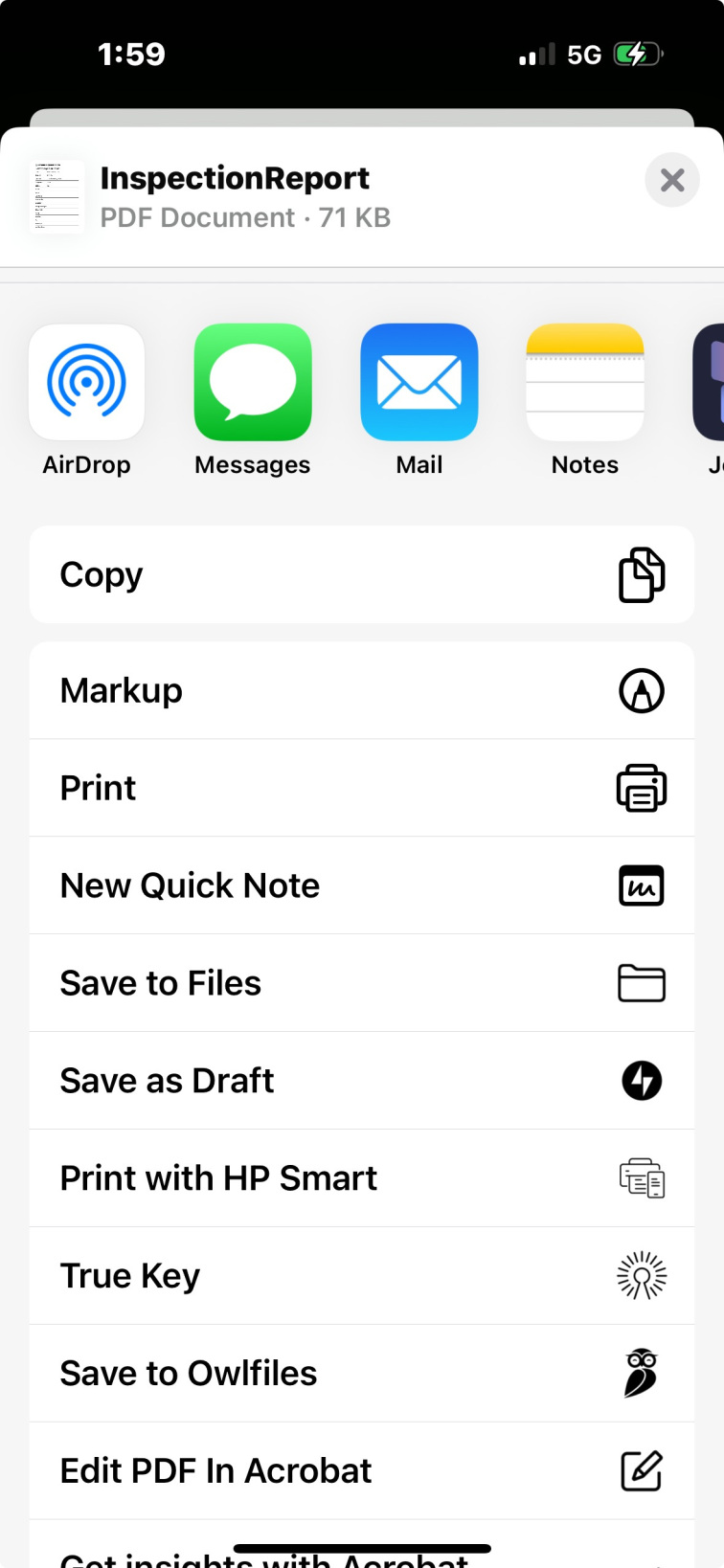
When finished, tap Save—or choose Share to instantly send the PDF report by email or text.